Googling Tips, Tricks & Hacks You Probably Never Knew, But Should
In the 21st century, Google has become somewhat closer to us than even our best friends, family, spouse or children. You always spend time with it, prodding it and enjoying its company.
There may not be so many people today who don’t use Google regularly and type into it search queries whenever they need answer to or information on just about any range of topics. You may hesitate to ask your spouse about something or might feel reluctant to discuss with a best friend the bullying from a rowdy workmate, but never shy to key in your issue or query on Google.
Google is among the top search engines for a reason. You can search for answers and solutions to anything—your state of mind, a disease, ways to overcome bullying, a restaurant in your vicinity, and so on—and you’ll get very credible search results back.
Google is “King of Search Engines.” It is a ubiquitous tool and most of us believe that we know how to use the search engine to find what we are looking for online. But, in reality, do we? Do you really know how to effectively search using Google, from a typical user’s stand point?
The fact is Google has a lot of things going for it, with some very cool shortcuts and hacks to bring the best search results, as well as neat tricks to make Googling as effective as possible.
Best Tips, Shortcuts and Hacks for Googling Like a Pro
Here’re 12 little-known hacks for Googling stardom you might have never known, but you should:
1. The Magic of the SQUGGLY Symbol “~”
The squiggly symbol next to your “number key 1” on your keyword is a little key that up until now you probably thought was not very useful. However, Google gives it great importance.
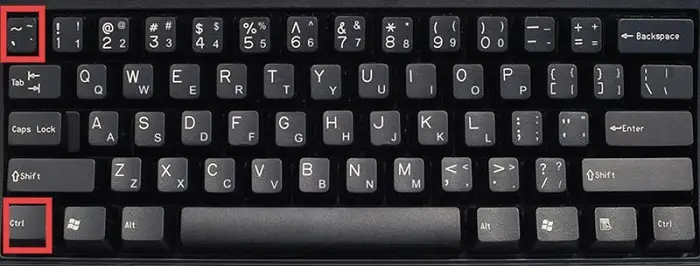
You can use squiggly symbol to tell Google to surface results for any one keyword query, along with its synonyms.
Place the symbol before your one keyword and the synonym results for the query will also be displayed. Pretty cool, right?
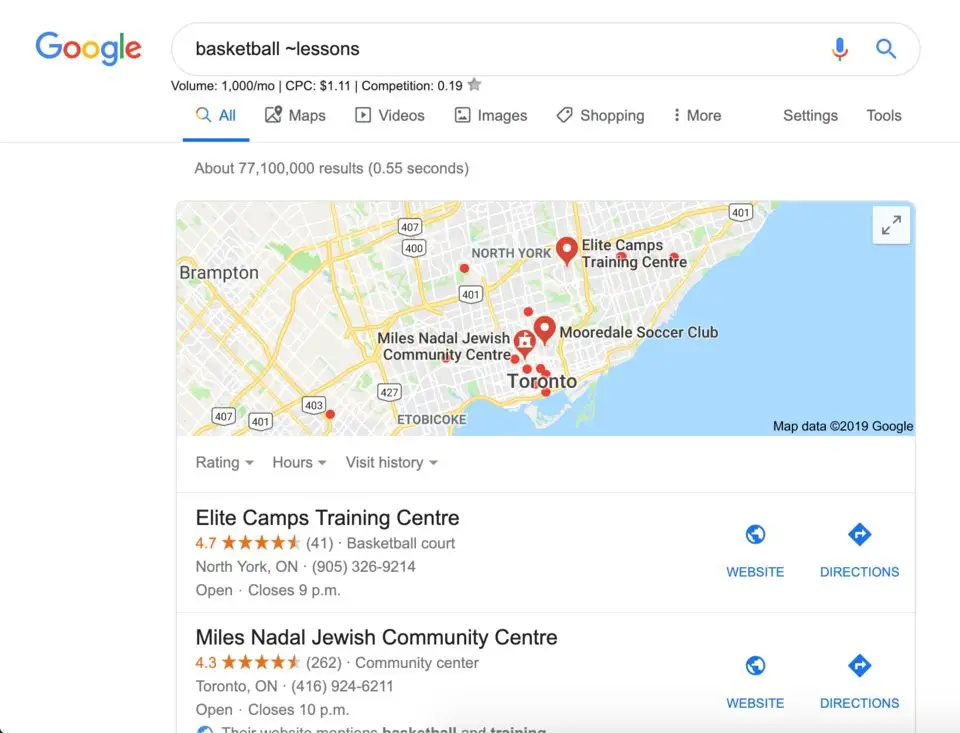
2. Straight Lines; Vertical line “|” Are Google’s Language for “OR”
Vertical lines appear when you type the button shown below along with Ctrl.
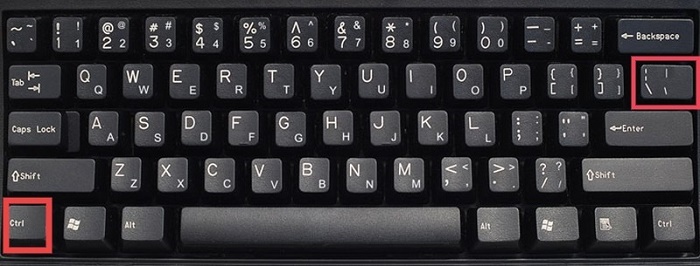
The vertical lines are considered important in Google search engines and help Google understand clearly what things you are trying to search for.
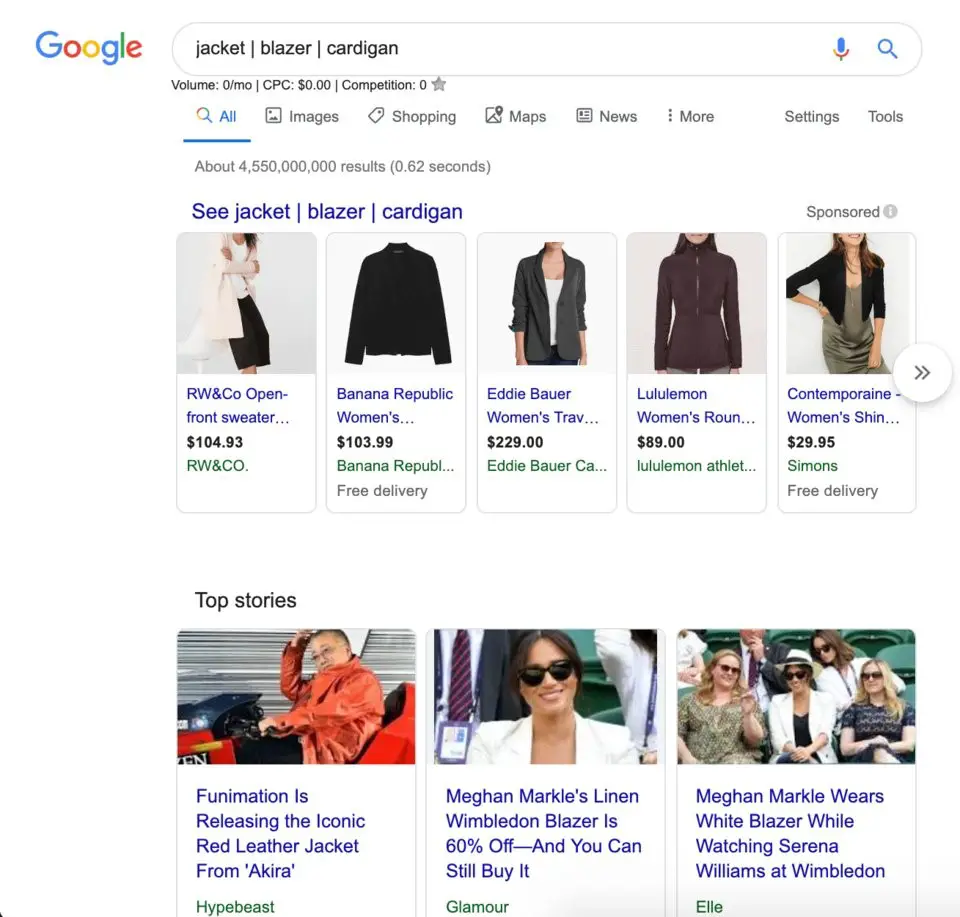
By typing keywords along with the vertical bar, Google will determine your query with precision and give you results, sites with all or any one of the keywords.
Hence, Google takes it to mean “OR”
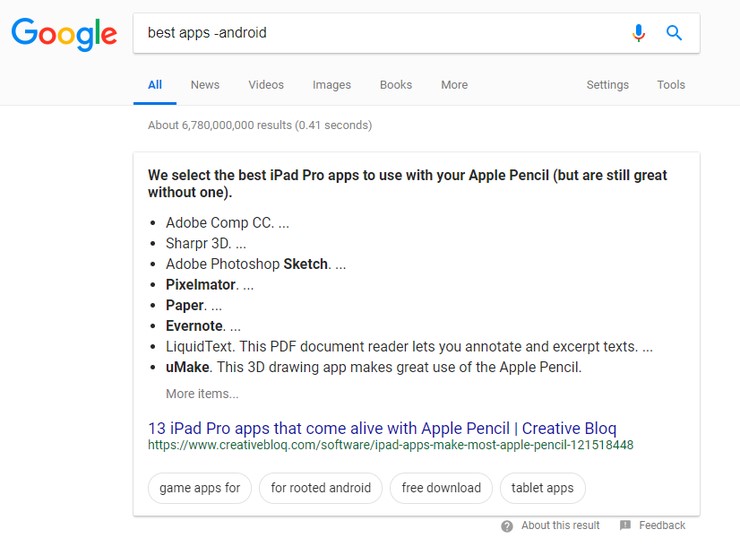
3. Subtract a Word with a Minus “-” Sign
Using a minus sign, hyphen, dash or a horizontal line helps Google determines that you do not need results of websites with a specific keyword.
So, when you type the minus symbol before the minus (-) symbol, Google will not display the results containing the exact word.
4. Amazing Power of an Asterisk “*”
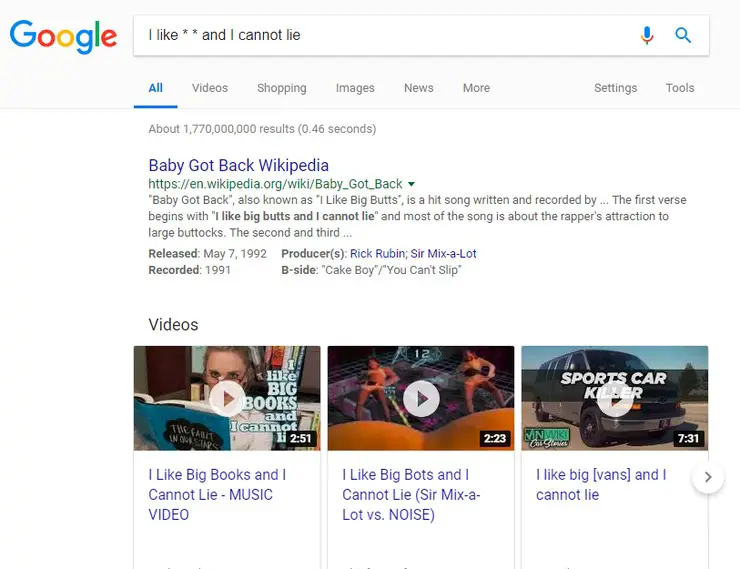
There are times when you try to remember a song but the only thing you remember is the 2-3 word or 1-2 lines of it. Google can come to the rescue here.
By adding asterisk symbol with a space on either side of the words or 1-2 liner lyrics, it helps Google identify the song you are trying to remember and give you the right result.
5. Quotes Are Not the Only Ones Wrapped In Quotations “ ”
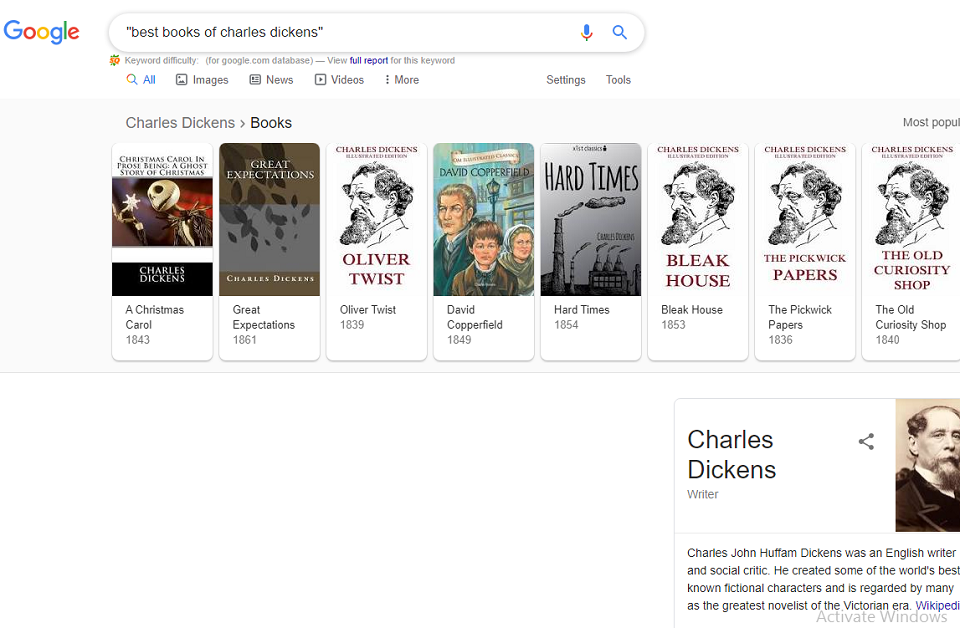
Have you faced a situation where you are not getting the exact search result you want, except maybe finding one or two good websites but not quite the one you want when using Google?
Well, you may not be entering the right search terms to get the exact or most relevant results. Improve you search for a specific text or keywords by using quotation signs on either side.
6. Comparing with a Versus “vs”
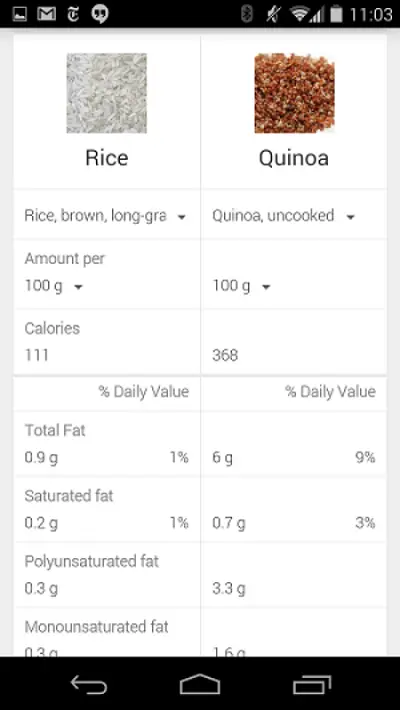
Whenever you’re confused between two alternatives, just type “vs” between them and hit the search button of Google. This will give a clear comparison between the two terms, making it easy for you to make the right choice regarding the two search queries.
7. Two Dots Is Just What You Need for Timelines
When searching for results between two time periods on Google, type two years and have them separated by two periods: “Year1 .. year 2”
You’ll have all the searches from those particular timelines.
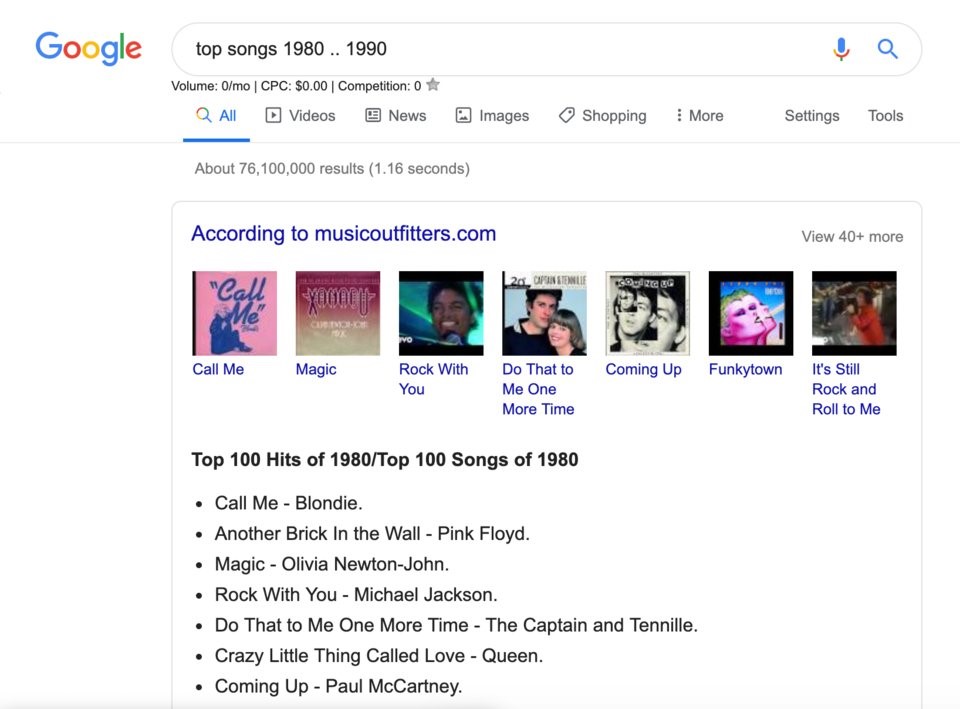
This feature can also be accessed and used by clicking the tools option before the search bar and setting the custom timeline.
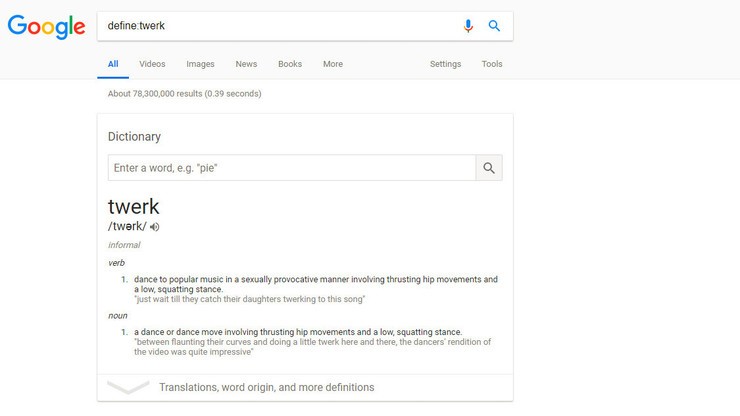
8. “Define:” Your Query with Definitions
In order to get the definitions of particular words, phrases, slangs or whatever you find confusing, type-in “Define:” and write the keyword.
This way, Google would give you the definition of keyword at the top of the page and you wont have to look for exact definition in each website.
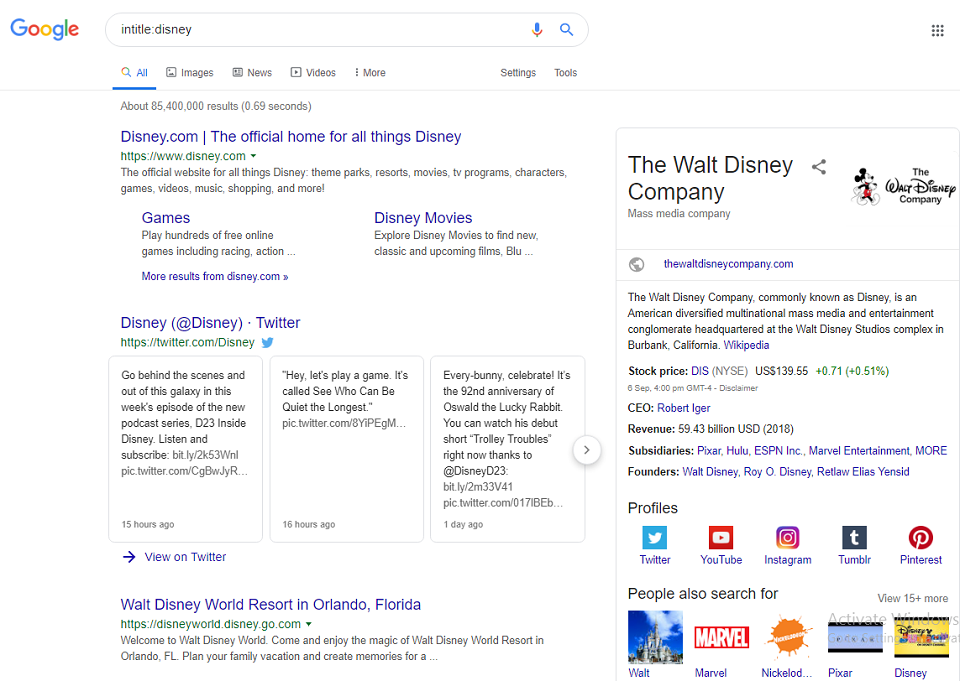
9. Search for the Title Only – “intitle:“ or “allintitle”
Look for your desired keyword only in titles by typing “intitle:” or “Allintitle:” before the keyword. In this way Google will give you a list of websites where the keyword was used in the titles only.
10. Search for URL Only – “inurl:” or “allinurl”
With this Google shortcut, you can have only the results with specific keyword in URL only. This means that only those websites will be displayed that have your keyed URL only.
Similar to the intitle, type in “allinurl:” or “inurl:” before a keyword and hit the search button.
11. Search
the Text Only – “intext:” or “allintext”
Like the “intitle” and “inurl”, the “intext” command tells Google to provide only search results that have the specified keyword in its text. It operates in the same way as the afore-mentioned hacks.
Simply type “allintext” or “intext” to launch the command.
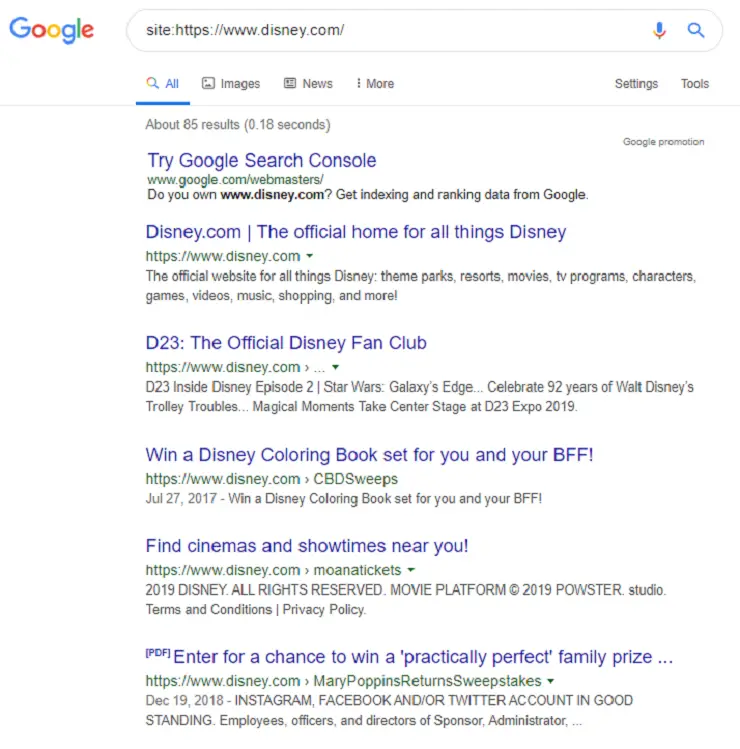
12. Search Only One Website – “site:www.example.com”:
When you need to find stories or pages from only one specific website, you can just type-in the “site:” followed by the URL of the website and press the search button to get what you want.
You will get search result with stories from only that particular website.
Conclusion
If you haven’t been using these Google tips, tricks, shortcuts and hacks, you definitely should give them a try. They can help you find what you are searching for on Google in a more efficient and effective manner, improving your research and productivity as a result.